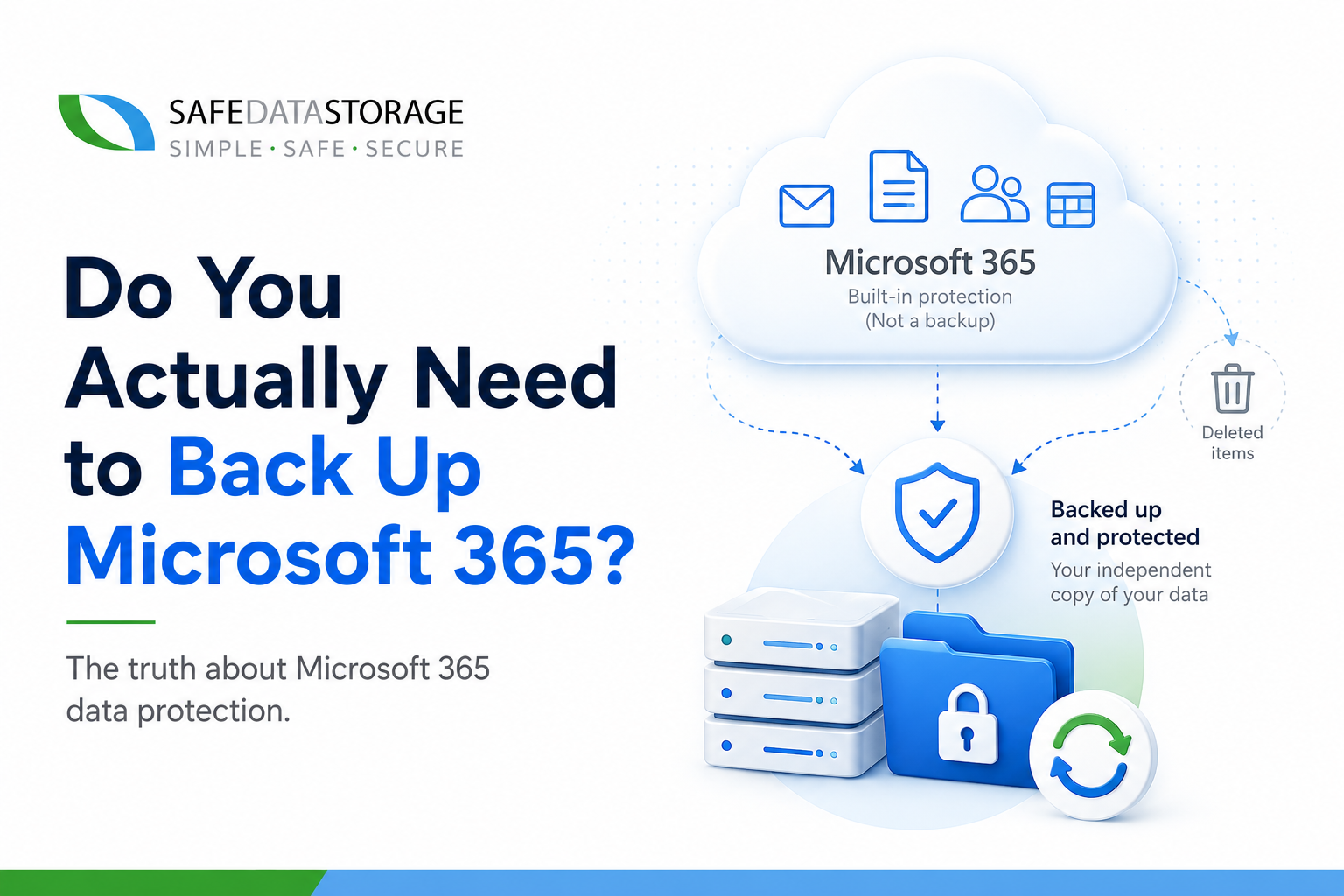
Most businesses assume that because their email, files, and Teams chats live in Microsoft’s cloud, Microsoft is looking after them. It’s an easy assumption to make – and it’s wrong.
Microsoft runs the infrastructure. You own the data.
Buried in Microsoft’s own service agreement is what’s known as the shared responsibility model. Microsoft guarantees that Exchange, SharePoint, OneDrive and Teams stay available – uptime, patching, physical security. What it doesn’t guarantee is that your data stays recoverable if something goes wrong on your end. And “your end” covers more than people expect.
What actually gets people
- Accidental deletion. Someone empties a folder, or a leaver’s account gets deactivated before anyone thinks to pull their files. Microsoft’s default retention windows are short – typically 30 days – and once they lapse, it’s gone.
- Overwrites. Save-over-save is the most common data loss event in any office, and it’s invisible until someone needs the old version and it doesn’t exist.
- Ransomware and malicious deletion. If an attacker (or a disgruntled insider) gets into a mailbox or a SharePoint site, built-in retention doesn’t stop them deleting or encrypting everything in reach.
- Sync errors. OneDrive and SharePoint sync issues can silently propagate a bad or missing file across every device before anyone notices.
None of these are edge cases. They’re the routine, boring ways businesses lose data – and Microsoft’s own documentation is explicit that recovering from them is the customer’s job, not theirs.
What a proper backup actually adds
A dedicated Microsoft 365 backup – like SAFE C2C – sits alongside Microsoft 365 and takes independent, automated snapshots of your Mail, OneDrive, SharePoint and Teams data on a schedule you control, not Microsoft’s.
That gets you three things Microsoft’s native retention doesn’t:
1. Retention on your terms. Keep data for as long as your business or your regulator needs it – not whatever window Microsoft happens to allow this year.
2. Point-in-time restore. Roll back a mailbox, a site, or a single file to exactly how it looked before the mistake, the sync error, or the attack – not just “undelete the last thing.”
3. A copy that ransomware can’t reach. Because it’s a separate system with its own access controls, an attacker who compromises your Microsoft 365 tenant doesn’t automatically compromise your backup too.
Who this matters most for
If you’re a regulated business – legal, healthcare, financial services, education – “we assumed Microsoft handled it” is not a sentence you want to say to an auditor or a client after a data loss event. Even outside regulated sectors, the cost of losing a year of email history or a client’s project files tends to dwarf the cost of backing them up in the first place.
The honest question to ask yourself
Not “does Microsoft back up my data” – you already know the answer now. The real question is: if someone in your business deleted the wrong folder tomorrow, or a phishing email led to a compromised mailbox tonight, how far back could you actually go? For most businesses running on native Microsoft 365 retention alone, the honest answer is “not far enough.”
SAFE C2C doesn’t just cover Microsoft 365 – the same approach protects Google Workspace, Salesforce, Dropbox and Box too, if your business relies on more than one cloud platform. And since access control matters as much as backup, pairing this with a proper business password manager closes the other common gap: credentials that are shared, reused, or never rotated.
Start a free 30-day trial of SAFE C2C and find out what real Microsoft 365 backup looks like – or talk to a UK engineer who can walk you through it.