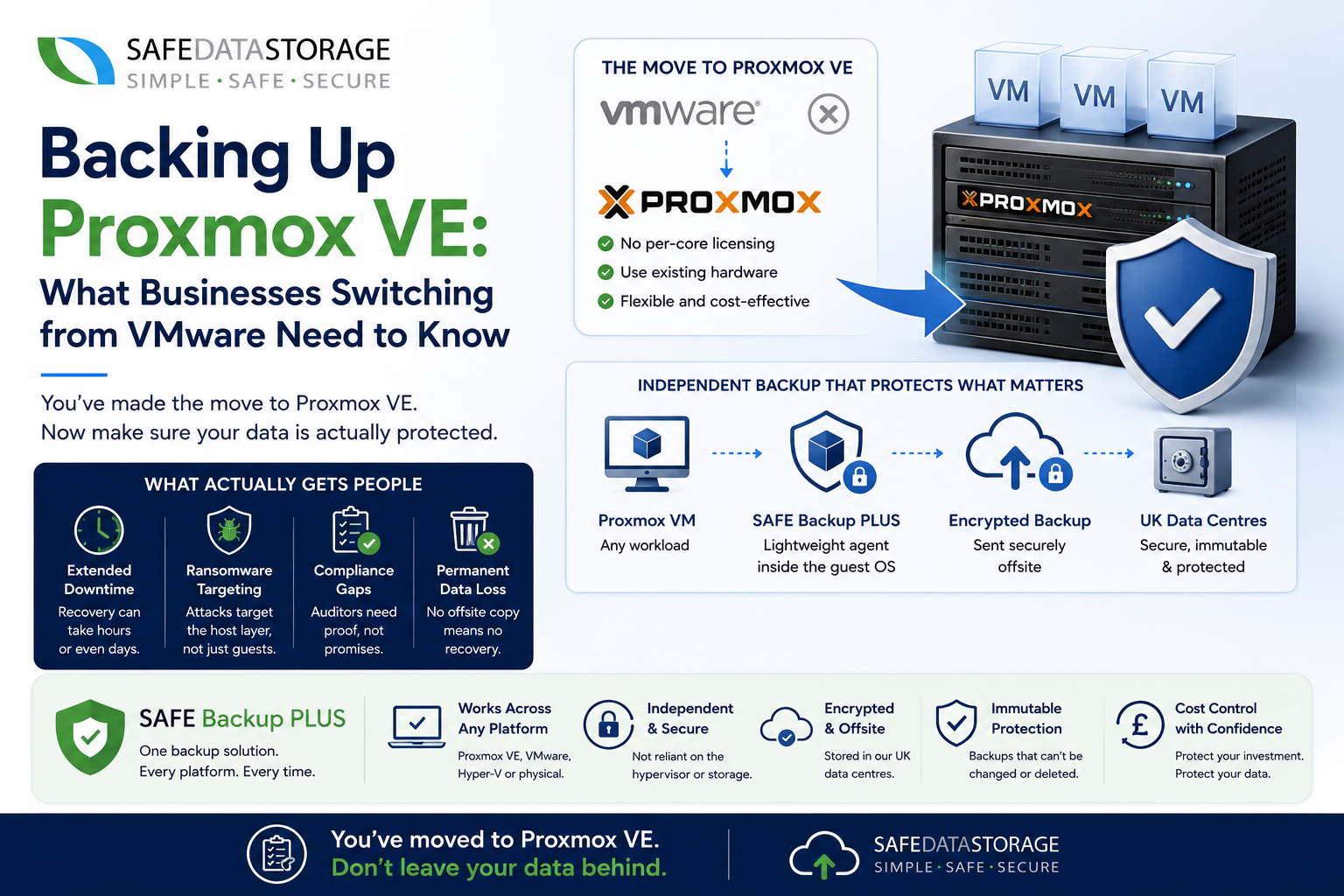
Since Broadcom’s acquisition of VMware, a lot of IT teams have been quietly moving their virtual machines onto Proxmox VE. No per-core licensing, no bundled feature packs you don’t need, and it runs on the same hardware you already own. It’s an easy decision to justify to the board.
What’s less easy to justify is the follow-up conversation nobody plans for: how are you backing it up?
The migration everyone plans, the backup nobody does
Moving workloads to a new hypervisor is a project – it gets a timeline, a rollback plan, a test phase. Backup coverage for those same workloads often just gets assumed to “carry over” from whatever was protecting the old VMware environment. It usually doesn’t, at least not cleanly, and the gap tends to surface at the worst possible time.
What actually gets people
- Extended downtime. A failed node, corrupted storage, or an accidentally deleted VM can mean hours or days of recovery time if there’s no dedicated backup plan behind it.
- Ransomware targeting the host layer. Attacks increasingly go after the hypervisor and management interface directly, not just the guest OS – which matters if your “backup” is really just a snapshot living on the same cluster.
- Compliance gaps. Regulated businesses need documented, testable backup and recovery procedures. “We migrated to Proxmox and meant to sort backup out properly” is not an answer an auditor accepts.
- Permanent data loss. Without an independent, offsite copy, hardware failure or a fat-fingered deletion is simply unrecoverable.
Why hypervisor choice shouldn’t dictate backup strategy
SAFE Backup PLUS installs a lightweight agent inside the guest OS itself, rather than integrating with a specific hypervisor’s snapshot API. That means it protects a VM running on Proxmox VE exactly the same way it protects one running on VMware, Hyper-V, or a physical server sitting in a rack. There’s nothing extra to configure at the hypervisor level, and switching platforms in future doesn’t mean switching backup products too.
That gets you an independent, encrypted, offsite copy of every Proxmox VM – stored in our UK data centres or as immutable storage that can’t be altered or deleted, even by an attacker who’s compromised the host itself.
Who this matters most for
If you’re an MSP managing a mixed estate of VMware, Hyper-V and Proxmox clients, running one backup approach across all three saves a genuine amount of admin overhead. And if you’re a business that moved to Proxmox specifically to cut costs, it’s worth checking that the backup line item didn’t just get deferred rather than actually solved.
Find out more
We’ve put together a full breakdown of Proxmox VE backup with SAFE Backup PLUS, covering exactly how the agent-based approach works and what’s included.
Start a free 30-day trial and back up your first Proxmox VM today, or talk to our team if you’d rather walk through it first.